Word Counter Online Free — Count Words, Characters & More Instantly (2026)
Word Counter Online Free — Count Words, Characters & More Instantly (2026)
Free Online Tools
Whether you are a blogger, student, copywriter, or content marketer, keeping track of your word count is one of the most basic yet powerful habits you can build. A reliable word counter online free tool saves you time, helps you meet deadlines, and improves your writing quality without any cost.
In this guide, you will learn everything about word counting — why it matters, how to use our free tool, and how word count affects your SEO rankings in 2026.
Try our Word Counter Tool here → https://geniusitservice.com/word-counter-text-analyzer-tool-online-free/
What Is a Word Counter Online Free Tool?
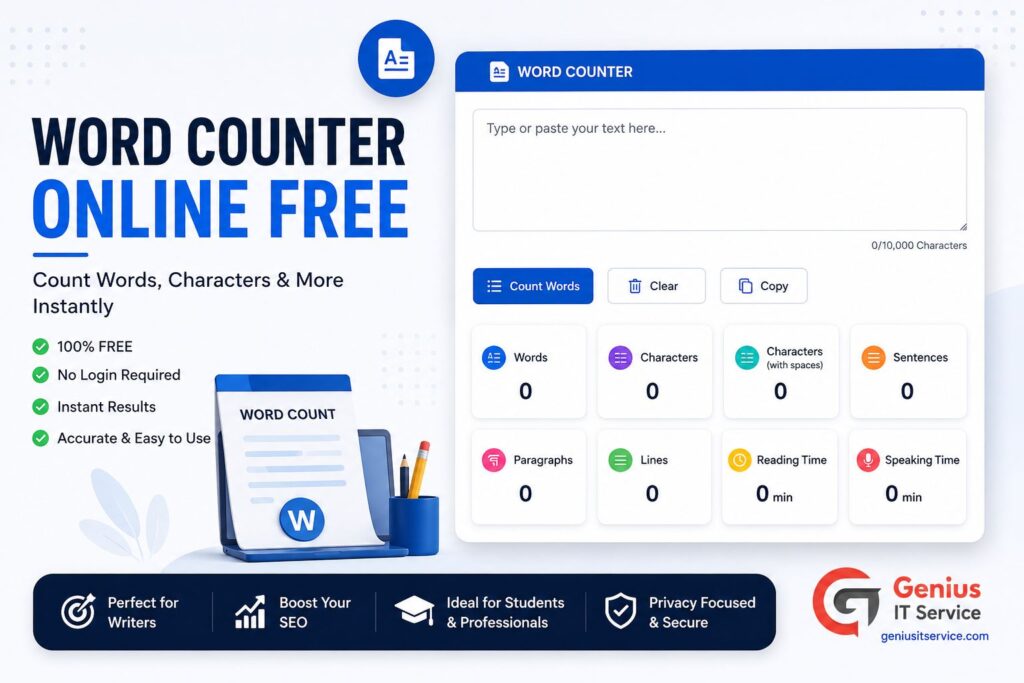
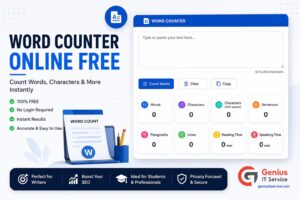
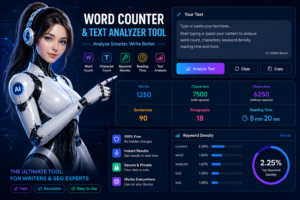
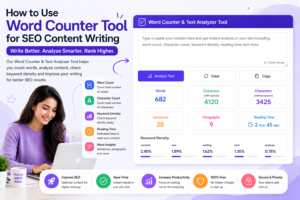
A word counter online free tool is a simple web-based application that instantly analyzes your text and shows you:
– Total word count – Total character count (with and without spaces) – Number of sentences – Number of paragraphs – Estimated reading time – Keyword density
You do not need to download any software. You do not need to create an account. Just paste your text and get results in under one second.
Google’s ranking algorithm has become significantly smarter. In 2026, content depth and topical authority are among the most important ranking signals. Word count alone does not guarantee rankings, but it is a strong indicator of how thoroughly a topic is covered.
Here is what research shows about word count and SEO:
– Blog posts with 1,500 to 2,500 words rank on Google Page 1 most consistently – Long-form content generates 3x more backlinks than short articles – Articles above 1,000 words get shared on social media 56% more often – Google rewards content that fully answers user search intent
Step 1 — Open the Tool Visit our free Word Counter Tool . No sign-up or download is needed.
Step 2 — Paste or Type Your Text Click inside the text box and paste your content using Ctrl+V. You can also type directly into the box.
Step 3 — Read Your Results Instantly The tool updates in real time. You will see your word count, character count, sentence count, and reading time appear automatically.
Step 4 — Adjust Your Content Use the data to decide whether to expand or trim your content. If your blog needs to be 1,200 words and you are at 900, you know exactly how much more to write.
Students and researchers often face strict word limits. Our tool helps you stay within the required range for:
– Essays: typically 500 to 2,000 words – Research papers: 3,000 to 8,000 words – Thesis chapters: 8,000 to 20,000 words – Dissertation: 80,000 to 100,000 words
Word Count for Social Media
Social platforms have character limits that vary significantly:
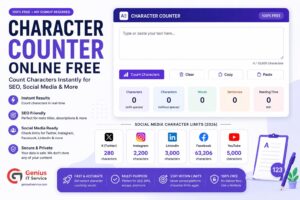
– Twitter/X: 280 characters per tweet – LinkedIn posts: 3,000 characters recommended – Facebook posts: 63,206 character limit (keep under 400 for engagement) – Instagram captions: 2,200 characters (first 125 are most visible)
Word Count for Email Marketing
Email subject lines perform best between 30 and 50 characters. Email body content that converts tends to be between 50 and 200 words for promotional campaigns and 300 to 500 words for newsletters.
How Word Count Affects Your SEO Strategy
Thin Content Penalty
Google penalizes thin content — pages with fewer than 300 words that do not provide real value. If your tool pages or blog posts are too short, they may not rank at all.
Our word counter helps you identify thin content before publishing so you can expand it with useful information.
Keyword Density and Word Count
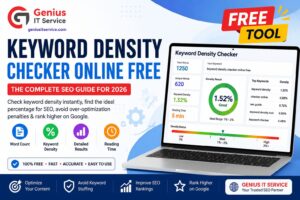
Keyword density is calculated as a percentage of how often your target keyword appears relative to total word count. The ideal keyword density is 1% to 2%.
For a 1,000-word article, your focus keyword should appear 10 to 20 times naturally throughout the content.
You can check your keyword density directly inside our Word Counter Tool, which displays it automatically alongside your word count.
Readability and Engagement
Longer content tends to have higher average time on page, which is a strong positive ranking signal. However, readability matters just as much as length. Use short paragraphs, clear headings, and bullet points to keep readers engaged throughout longer articles.
Word Counter vs. Microsoft Word — Which Is Better?
Microsoft Word shows you word count, but it requires you to open a desktop application. Our online word counter is:
– Faster — results are instant – Accessible — works on any device, any browser – Free — no subscription or license needed – Extra features — keyword density, reading time, sentence count all in one place
For quick content checks, our free online word counter is simply the smarter choice.
Other Free Tools You Might Find Useful
If you are working on your content and SEO, these related tools from Genius IT Service are completely free:
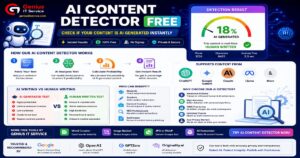
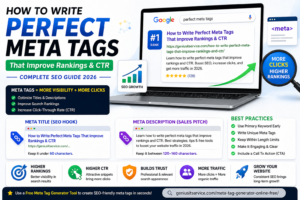
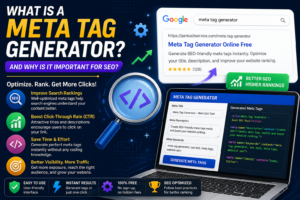
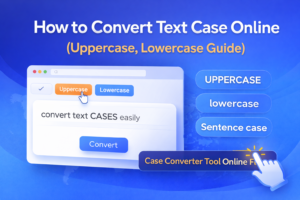
– Meta Tag Generator — Create SEO-optimized title tags and meta descriptions instantly – AI Content Detector — Check if your content appears AI-generated before publishing – Case Converter Tool — Convert text between uppercase, lowercase, title case and more – Secure Password Generator — Create strong passwords for your CMS and tools
Visit geniusitservice.com to access all tools for free.
Paste or type your text into our tool at geniusitservice.com. Your word count, character count, and reading time appear instantly with no sign-up required.
Word count signals content depth to Google. Articles between 1,200 and 2,500 words consistently rank higher because they demonstrate thorough coverage of a topic.
The ideal range in 2026 is 1,200 to 2,500 words for most blog posts. Competitive topics may need 3,000 or more words to rank on page one.
Final Thoughts
A word counter online free tool is one of the simplest yet most underrated tools in any writer’s toolkit. Whether you are optimizing a blog post for SEO, meeting an academic word limit, or crafting the perfect social media caption, knowing your word count puts you in control of your content.
Our free Word Counter Tool at Genius IT Service gives you instant, accurate results with zero friction. Try it today and write smarter.
We are dedicated digital solutions expert specializing in SEO tools, content optimization, and web-based utilities. With practical experience in building high-performance online tools, he focuses on creating simple, fast, and user-friendly solutions for everyday digital needs.