Flash Story
How to Write Perfect Meta Tags That Improve Rankings and CTR
What Is a Meta Tag Generator and Why Is It Important for SEO?
Meta Tag Generator Online Free – Complete Guide to Create SEO-Friendly Titles & Descriptions
Master Your Writing Speed and Accuracy Using a Word Counter Tool Online Free
How to Use Word Counter Tool Online Free for SEO Content Writing (Complete Guide)
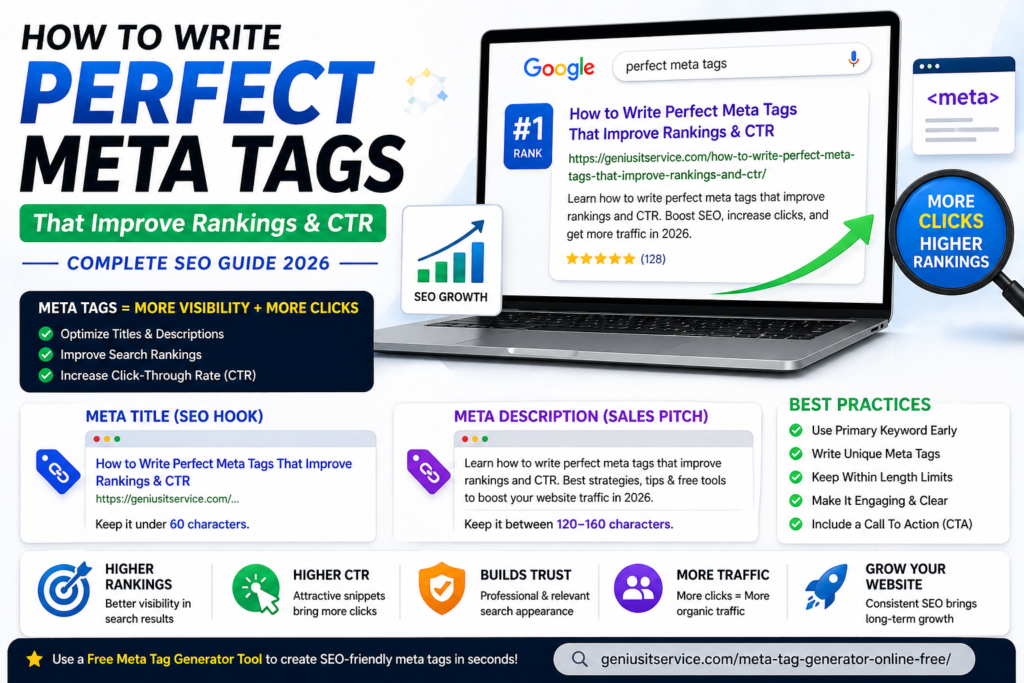
How to Write Perfect Meta Tags That Improve Rankings and CTR
The Art and Science of the Click
- The Problem: Ranking #1 on Google is useless if your link looks boring or irrelevant.
- The Metric That Matters: Defining CTR (Click-Through Rate) and why it is the “secret sauce” for long-term SEO success.
- The Goal: Moving beyond “good enough” tags to “perfect” tags that act as a 24/7 digital billboard.
The Anatomy of a Perfect Meta Title
- The “Power Position”: Why putting your primary keyword at the very beginning of the title matters for both crawlers and readers.
- The Emotional Hook: Using “Power Words” (e.g., Best, Fast, Proven, Free, 2026) to grab attention.
- Character Limits: Why staying under 60 characters is a non-negotiable rule to avoid truncation.
Crafting a Meta Description That Sells
- The “Search Intent” Match: How to write a description that answers the specific question the user just typed into Google.
- The CTA (Call to Action): Why every description must end with an invitation (e.g., “Learn more,” “Get started today,” “Download our guide”).
- Avoiding the “Snippet Cutoff”: The strategy for the 155-character “Safe Zone.”
Can I Generate Meta Tags for Free?
- The Short Answer: Yes! In fact, most professionals advise against paying for basic meta tag creation when high-quality free tools exist.
- The Value of Automation: Explaining how free tools save you from syntax errors (like forgetting a closing quote ” or a bracket >).
- Why Free Tools are Beginner-Friendly: No coding knowledge is required; you simply “fill in the blanks” and copy-paste.
What is the Best Free Meta Tag Generator Online?
- The Choice: Highlighting the Genius IT Service Meta Tag Generator.
- Key Features to Look For:
- All-in-One Capability: Generating Search tags, Open Graph (Social), and Robots tags in one go.
- Instant Real-Time Code: No waiting—the code updates as you type.
- Clean Output: No hidden ads or unnecessary code bloat.
- The Link:
Which Meta Tag Generator is Best for WordPress/Blogger?
- The WordPress Perspective: While plugins like Yoast exist, they can often slow down your site with “code bloat.” Using an external generator allows you to keep your site lean.
- The Blogger (Blogspot) Perspective: Blogger doesn’t always have advanced SEO plugins. An online generator is the best way for Blogger users to manually inject high-quality tags into their theme’s HTML.
- Why an External Tool Wins: It provides a universal solution regardless of which CMS (Content Management System) you use.
- The Link: Try the Meta Tag Generator Online Free
The "Invisible" Content: Open Graph & Twitter Cards
- Social Proof: Why “Perfect Meta Tags” aren’t just for Google anymore.
- The Professional Look: Using the generator to ensure your links look like “rich cards” on Facebook and LinkedIn rather than just plain text.
- The Image Rule: Reminding users to use the tool to link their featured images correctly.
Common Mistakes That Kill Your Rankings
- Keyword Stuffing: Why writing “Cheap Shoes, Buy Shoes, Best Shoes” is a recipe for a Google penalty.
- Duplicate Tags: The danger of using the same title and description for every page on your site.
- Ignoring the Mobile View: How long descriptions get chopped even shorter on smartphones.
Creating optimized meta tags is essential for improving your website’s visibility and click-through rate on search engines. With the help of a reliable Google SEO Meta Tag Guidelines , you can understand how titles and descriptions impact rankings. Instead of writing tags manually, using a smart tool can save time and ensure accuracy, helping you create clean, keyword-rich meta tags that align with search engine best practices.
How to Implement Your New Tags (The 3-Step Process)
- Step 1: Use the Genius IT Tool to draft your tags.
- Step 2: Locate the <head> section in your website’s editor.
- Step 3: Paste the code and use a “Debugger” (like Facebook’s Sharing Debugger) to verify it’s working.
Conclusion: Consistency is the Key to Authority
- The Takeaway: Perfect meta tags aren’t a “one-and-done” task; they are a habit of successful creators.
- Final Tip: Audit your top 10 most popular pages today and replace their tags with optimized versions.
- Final CTA: “Don’t leave your click-through rate to chance. Head over to the Genius IT Meta Tag Generator and start optimizing for free.”
If you are working with content, these tools can further improve your productivity:
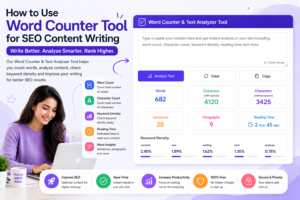
📊 Improve your writing accuracy with our Word Counter Tool Online Free
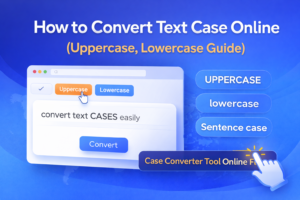
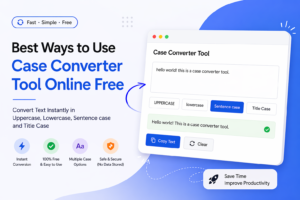
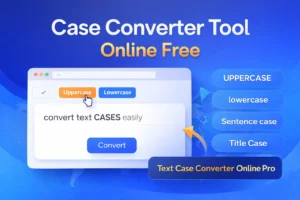
🔤 Instantly format your text using our Text Case Converter Tool
🤖 Detect AI-written content easily with our AI Content Detector Tool
Posts Grid
Author Profile
Genius IT Services
We are dedicated digital solutions expert specializing in SEO tools, content optimization, and web-based utilities. With practical experience in building high-performance online tools, he focuses on creating simple, fast, and user-friendly solutions for everyday digital needs.

Posts Lists